- 1 Section
- 1 Lesson
- 0m Duration
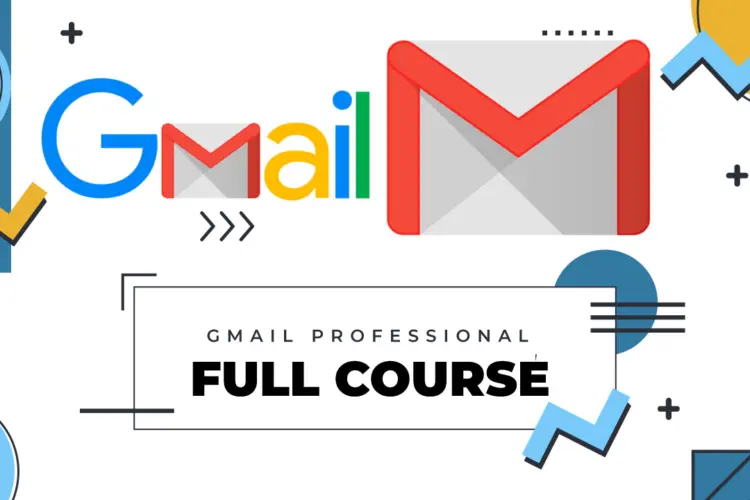
Gmail Basic Training Course (Free)
The Gmail Basic Training Course is designed for beginners who want to learn how to use Google’s popular email platform effectively. This free course introduces learners to the core features of Gmail, including composing and sending emails, managing inboxes, organizing messages, and using basic settings to improve productivity.
Through simple, hands-on exercises, learners will gain the confidence to navigate Gmail, communicate professionally, and stay organized. Whether you are a student, professional, or anyone new to Gmail, this course provides the foundational skills to get started quickly and efficiently.
You must be logged in and enrolled to submit a review .
This course includes
Introduction to Gmail interface and key features
Composing, sending, and replying to emails
Organizing emails with labels, folders, and search
Managing contacts and using the address book
Basic Gmail settings and personalization
Understanding spam, filters, and email security basics
Hands-on exercises for practical learning
Suitable for beginners, students, and first-time Gmail users