- 1 Section
- 1 Lesson
- 0m Duration
Microsoft Copilot Training Course
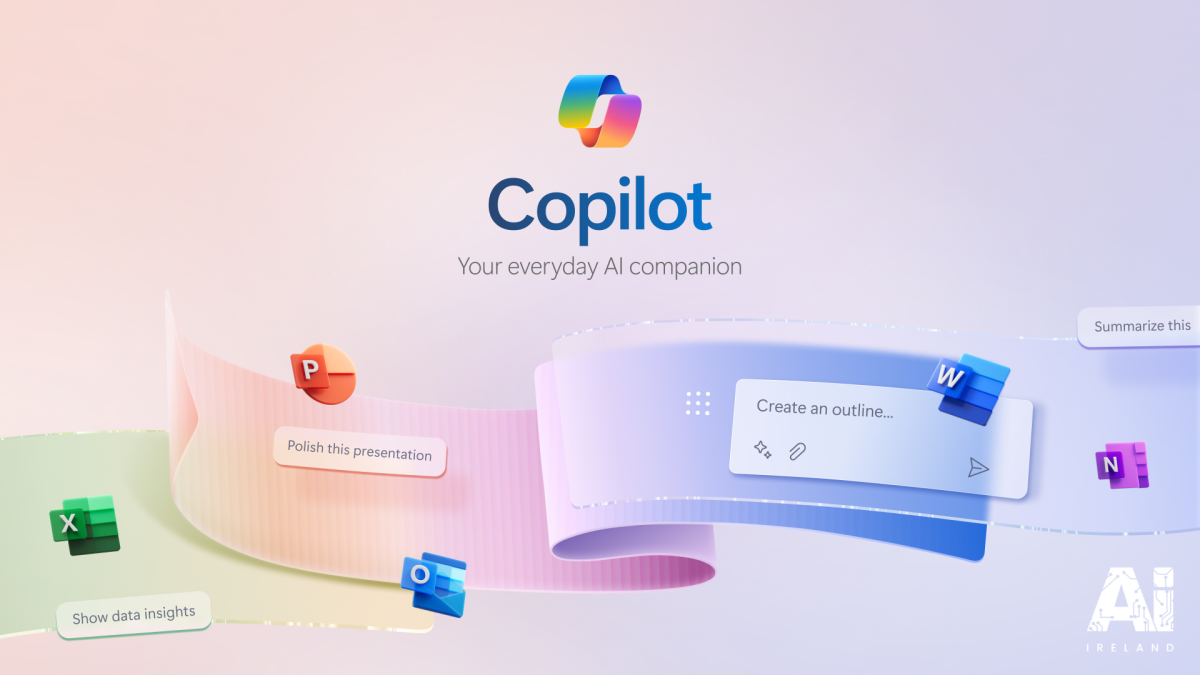
The Microsoft Copilot Training Course is designed to teach learners how to leverage Microsoft’s AI-powered Copilot tools to enhance productivity, automate workflows, and work smarter across Microsoft 365 applications. This course introduces you to Copilot’s capabilities in Word, Excel, PowerPoint, Outlook, and Teams, showing you how to use AI to generate content, analyze data, summarize information, and streamline tasks.
Through practical, hands-on exercises, you will learn how to integrate Copilot into everyday workflows, improve efficiency, and harness AI to support decision-making, collaboration, and creative work. Whether you’re a professional, student, or team leader, this course equips you with the skills to fully utilize Microsoft Copilot in real-world environments.
You must be logged in and enrolled to submit a review .
This course includes
Introduction to Microsoft Copilot and its AI-powered features
Using Copilot in Word, Excel, PowerPoint, Outlook, and Teams
Generating and summarizing content with AI assistance
Automating workflows and tasks for productivity
Collaborating effectively with AI-powered insights
Practical exercises and real-world examples
Tips for safe and ethical AI use
Suitable for beginners, office professionals, and teams